
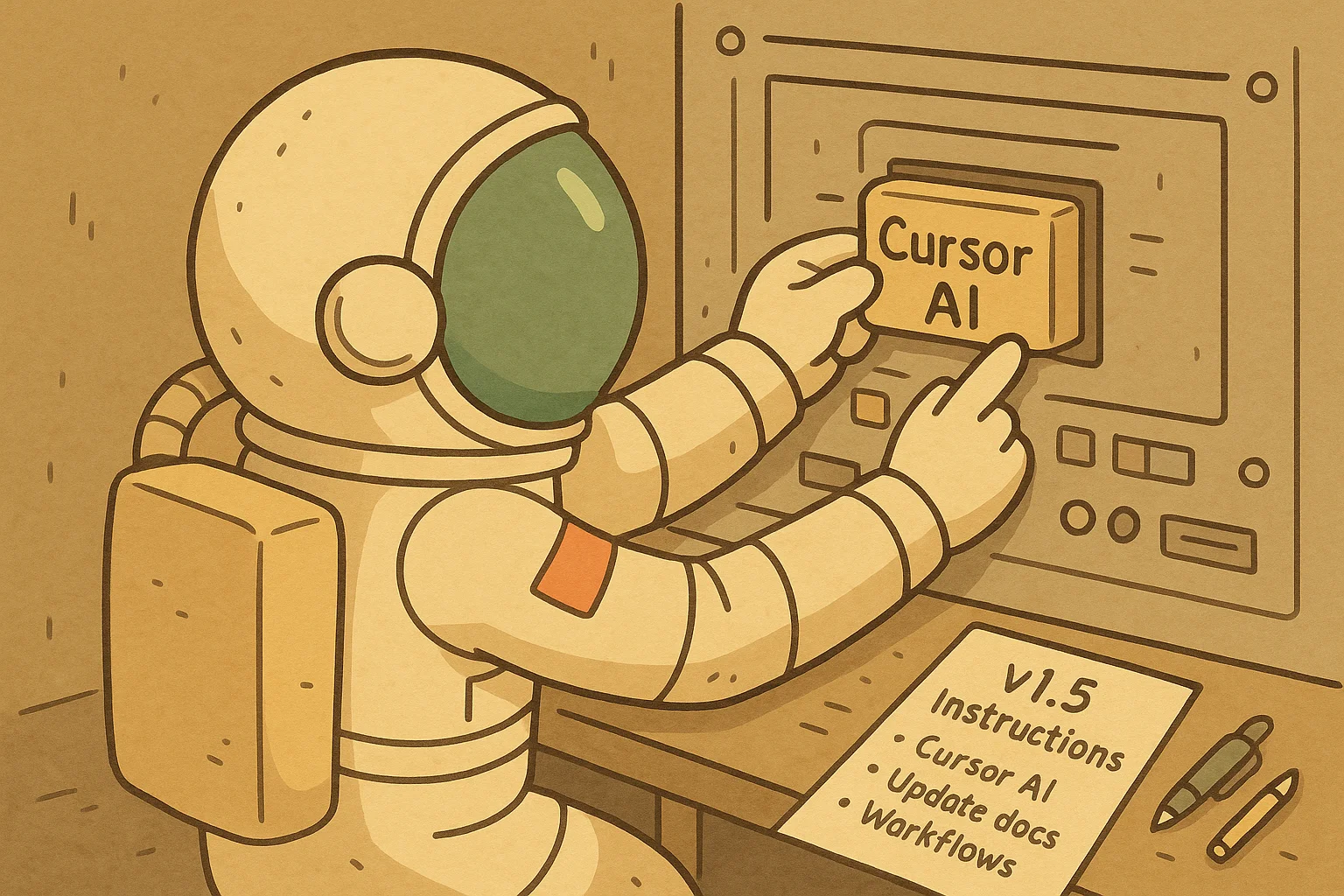

Rover is a manager that runs on top of AI coding agents like Claude Code, Codex, Gemini, and Qwen. It allows you to define multiple tasks and assign them to your preferred coding agents, each working autonomously in isolated environments while you focus on higher-priority work.
You can learn more about Rover here.
These are the major changes in v1.5:
- Cursor support: Use Rover with the Cursor AI agent, expanding your choice of AI coding tools
- New workflow commands: Explore and understand available workflows with:
rover workflow listrover workflow inspect
- Refreshed documentation: Completely redesigned documentation site for Endor projects, including new sections and articles for Rover!
You can update Rover to this new version using the following command:
npm install -g @endorhq/rover@latestCursor joins the party
The list of available command line agents grows every week. Each one has their own benefits, models, and way to interact with your system. Rover allows you to manage them consistently, adapting them to your existing workflow and not the other way around.
With v1.5, you can now use Rover with Cursor, giving you the same powerful task management capabilities you enjoy with other AI agents. This means you can keep using your favorite AI coding environment while gaining all the benefits of Rover’s task isolation and parallel execution.
Whether you prefer Claude Code, Codex, Gemini, Qwen, or Cursor, Rover works with the tools you already know and trust.
Understand your workflows better
Workflows are at the heart of how Rover orchestrates complex tasks, but until now, understanding what workflows were available and how they worked required diving into YAML files.
Version 1.5 introduces two new commands that help you understand the workflows you can use. The rover workflows list command shows you all available workflows at a glance:
$ rover workflows list

# Rover (v1.5.1) · /home/angel/Workspace/rover
# --------------------------------------------
# Name         Description                                        Steps Inputs
# ───────────────────────────────────────────────────────────────────────────────────────────────────
# swe          Complete software engineering workflow with ada... 6     description
# tech-writer  Write documentation and tutorials for your tech... 4     description, audience, format
When you need more details, rover workflows inspect provides a comprehensive view of any workflow, including its steps, decision points, and execution flow:
$ rover workflows inspect tech-writer

# Rover (v1.5.1) · /home/angel/Workspace/rover
# --------------------------------------------
#
# Workflow Details
# ----------------
# · Name: tech-writer
# · Description: Write documentation and tutorials for your technical projects
# · Version: 1.0
# · Timeout: 3600s
# · Continue On Error: No
#
# Inputs
# ------
# · description: Define the documentation you want me to write (required)
# · audience: Describe the target audience for this documentation (default: end users)
# · format: What is the file format you want the documentation? (default: markdown)
#
# Outputs
# -------
# · documentation: Final implementation or tutorial
# · context: Technical context analysis
# · outline: Documentation outline
#
# Steps
# -----
# ╭ Context Analysis ──╮
# │ → context_file     │
# ╰────────────────────╯
#            ↓
# ╭ Outline ───────────╮
# │ → outline_file     │
# ╰────────────────────╯
#            ↓
# ╭ Draft ─────────────╮
# │ → draft_file       │
# ╰────────────────────╯
#            ↓
# ╭ Review ────────────╮
# │ → document_file    │
# │ → summary_file     │
# ╰────────────────────╯
These commands help you choose the right workflow for your task and understand exactly how Rover will approach the work, making the entire process more predictable, consistent and transparent.
New Rover documentation
We’ve completely refreshed our documentation site at docs.endor.dev/rover. The new documentation isn’t just a visual update, it’s a complete rethinking of how you can get all the benefits from Rover.
Navigation is more intuitive, with quick-start guides for each supported agent and dedicated sections for workflows, configuration, and troubleshooting. Whether you’re new to Rover or looking to complete complex tasks, the documentation now provides a clearer path forward.
Moving forward
We’re excited to see Rover becoming the standard way many teams work with AI coding agents. The addition of Cursor support and improved workflow transparency make it easier than ever to integrate AI agents into your development process without disrupting your existing tools and workflows.
Join our community to stay connected and share how you’re using Rover:
- GitHub: github.com/endorhq/rover
- Social: Follow us on X, Mastodon, or Bluesky to stay up to date and share your experience
- Discord: Join the discussion in our Spaceship server!
Happy coding with Rover! 🚀
Ready to boost your AI coding agents?
Check out Rover on GitHub and the documentation to get started